Why the controller still calls the shots
When you stack LEDs into a massive façade or stitch panels into a seamless video wall, the controller decides whether your story reads or glitches — that’s the practical comparison at play. Today’s integrated systems bundle media server features, pixel mapping and networked control into one box, while modular rigs let you swap parts without rebuilding the whole chain. For anyone who’s watched a Times Square billboard flip between ad creatives with zero hitch, the difference is obvious: tight sync, predictable refresh and an architecture that anticipates scale. For a quick look at what core functionality people mean by “controller,” see this primer on video display control.
Operational teardown: what to expect when you install one
Start from the input: camera feeds, playback server, or live mixer. Then follow the path through frame grabber to controller, which handles pixel mapping, color correction and timing. Expect to configure refresh rate and output routing, and test for latency at the physical outputs. If you’re routing content across multiple controllers, plan network time protocol and redundancy up front. Practical note: pixel mapping mistakes show as obvious seams during motion; check that before you call a deadline. This is where thoughtful LED display control matters—alignment, gamma, and driver calibration all live here.

Comparative breakdown: integrated vs modular vs cloud
Here’s a concise comparison so you can match options to project needs.
– Integrated all‑in‑one: tight timing, fewer compatibility headaches, faster setup. Best for single-site installs or quick creative launches. – Modular controller stacks: flexible, serviceable, and friendly to phased rollouts. They can save money long term but demand clearer documentation and spares. – Cloud-assisted controllers: excellent for remote content updates and multi-site sync, but plan for network fallbacks and bandwidth monitoring.
Each option trades cost, maintainability and control granularity. Use device-level features like pixel mapping presets, HDMI loop-through and LUT support as practical benchmarks when you compare models.
Common mistakes and fast corrections
Teams often underestimate timing and calibration. They pick components that advertise high brightness but forget to match refresh rate between source and screen — that creates tearing or stuttering. Another recurring slip is treating color calibration as optional instead of mandatory; that leads to inconsistent brand color across panels. Fixes are straightforward: set a single source frame rate, lock display controllers to a master clock, and run a color check with a calibrated probe before final sign-off. Don’t forget cable runs and grounding — poor cabling introduces flicker that looks like a hardware bug, not a setup issue. — Quick reminder: document every firmware revision you apply so you can roll back cleanly.
How top pros decide: practical evaluation metrics
When you’re choosing a controller, use these three golden rules as your decision filter.
1) Synchronization fidelity: Measure end-to-end latency in milliseconds and verify frame alignment across panels. Low and consistent latency beats theoretical bandwidth every time. 2) Maintainability and diagnostics: Prefer controllers with remote diagnostics, clear logs and modular replacement parts. Field-replaceable modules reduce downtime for large venues. 3) Color and timing control: Ensure the system supports hardware LUTs, per-panel gamma adjustment and flexible refresh-rate sourcing. These features preserve creative intent across different display types.
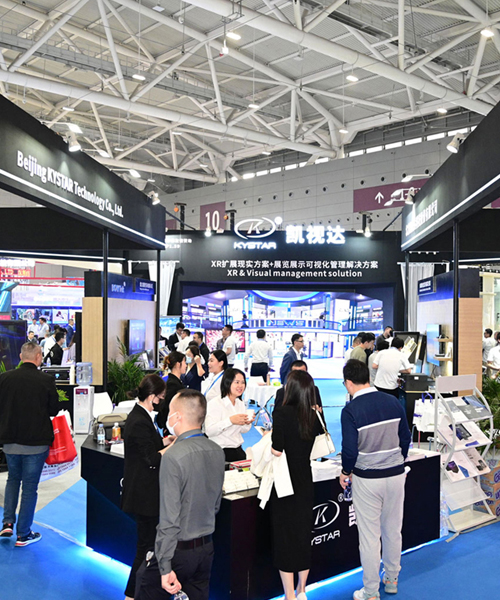
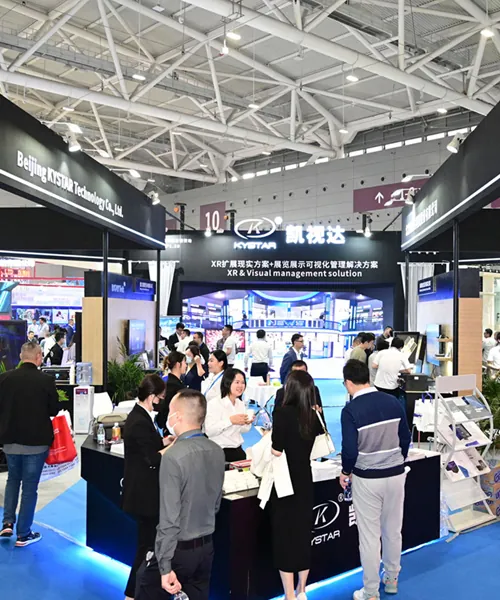
Apply these metrics to vendor demos and real-world trials; demand latency numbers and a plan for redundancy before you sign. For live events or brand-critical displays — think major urban installations or stadium signage — those specs are non-negotiable. The practical benefit here is not just prettier pixels but reliable performance under pressure, and that’s where experienced partners earn their keep. Kystar often appears in these workflows because their stacks marry dependable timing with accessible tooling — a natural fit when teams need clarity without friction. — crisp results, fewer surprises.