Why Good Rooms Still Struggle
I watched a board spend ten minutes hunting for a mute light while a client waited on hold. Their new wireless conference system sat there, blinking, as if everything were fine. The data told another story: five speakers, seven remote callers, three dropouts, and one frustrated IT tech. So why do decent rooms still stumble when the stakes are high? I’ve been around long enough to know the pain isn’t always where you think it is (and it’s rarely the logo on the mic). It’s about fit—room shape, people habits, even RF noise from next door—plus simple upkeep that no one wants. The question is not “What’s the best box?” It’s “What problem does this box remove today, and can it keep removing it next year?” Let’s contrast what’s tripping teams up and what actually clears the path, step by step.
Hidden Pain Points Inside Modern Wireless Meeting Equipment
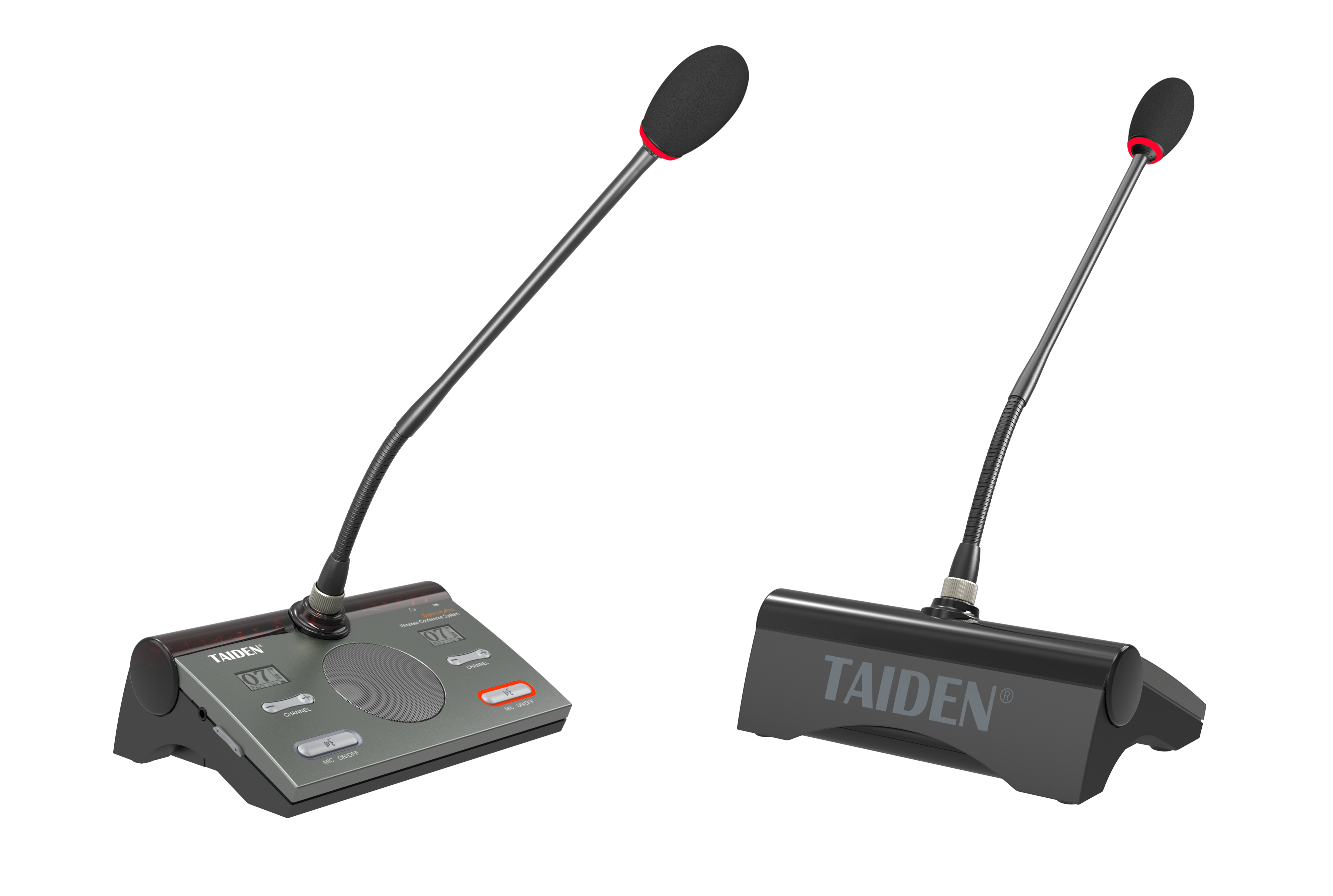
Most teams look at features and miss the frictions baked into wireless meeting equipment day to day. The first is invisible: RF spectrum. Your building shares air with Wi‑Fi, phones, and signage. A crowded band wrecks your latency budget and swells the jitter buffer, which is why people begin to talk over each other. Second, power. Handhelds and table mics live or die by chargers and power converters. One missed cycle and your “simple” huddle turns into a scavenger hunt. Third, setup drift. Pairing, firmware, and room presets go stale after one busy quarter—funny how that works, right? Finally, security pressure rises. If compliance asks for AES encryption, audit trails, and VLAN isolation, you need more than a pretty dock. Look, it’s simpler than you think: reduce the silent failures and meetings get calmer.
What gets in the way?
Metal tables reflect, glass walls echo, and ceiling grids steal gain from beamforming mics. Even good DSP can’t fix a mic placed beside a laptop fan. Your IT stack matters too. Without QoS tags and clean SSIDs, packets wander. Then the help desk gets the blame. People also forget human factors. If the UI hides the “speak” button or the battery icon, anxiety rises and flow breaks. These aren’t headline specs, but they are the reasons a strong system feels weak. After years in rooms big and small, I’ve learned to scan for four cues: how fast the system recovers after a collision, how it handles sudden talk bursts, how it signals status in plain language, and how it limits fiddling. When these four align, the gear fades into the background—and that is the point.
What’s Next: Comparing Principles That Actually Move the Needle
Now let’s look forward and compare the “why” behind newer designs. Systems that lean on smart RF—think adaptive hopping, OFDM, and better MIMO antennas—cut retries and hold voice steady under load. Some place light edge computing nodes in the room. Those nodes run local DSP and manage time sync, so audio doesn’t wait for a cloud round‑trip. Others offer a self-healing mesh, which means a mic reroutes if a path gets noisy, with no user nudge. Battery health is getting honest too. Real‑time cell data helps the scheduler pick sets that will last the whole session, not just the first hour. It sounds fancy, but the goal is humble: reduce tinkering, keep speech clear, and keep the meeting moving.
Real-world Impact
Here’s the practical angle. When a digital conference system treats spectrum like a shared street—using traffic shaping and QoS—it avoids jams at the worst time. When management software shows live status, not just green dots, the tech can fix issues before the chair notices. And when updates are staged, not forced, a board vote won’t collide with new firmware. Compare that with the old fix: “reboot and hope.” Newer principles make failures rarer and smaller. They contain the blast radius. For planners, this means less time babysitting and more time shaping the agenda. For users, it means the room feels honest. Press talk. It works—no drama.
So what should you measure before you buy? Three simple metrics cut through the noise. One, spectrum strategy: ask for proof of interference mitigation and a clear latency budget under load. Two, power lifecycle: track battery health data, swap time, and charger throughput over a full week. Three, manageability: demand role‑based control, audit trails, and fast fault tracing within two clicks. If a demo can satisfy these in your real room, you’re on track. If not, keep walking. The brand on the lid matters less than the evidence in the room, though experience counts; firms like TAIDEN have learned these lessons the long way—and that wisdom shows.