Start here: what renting solves for you
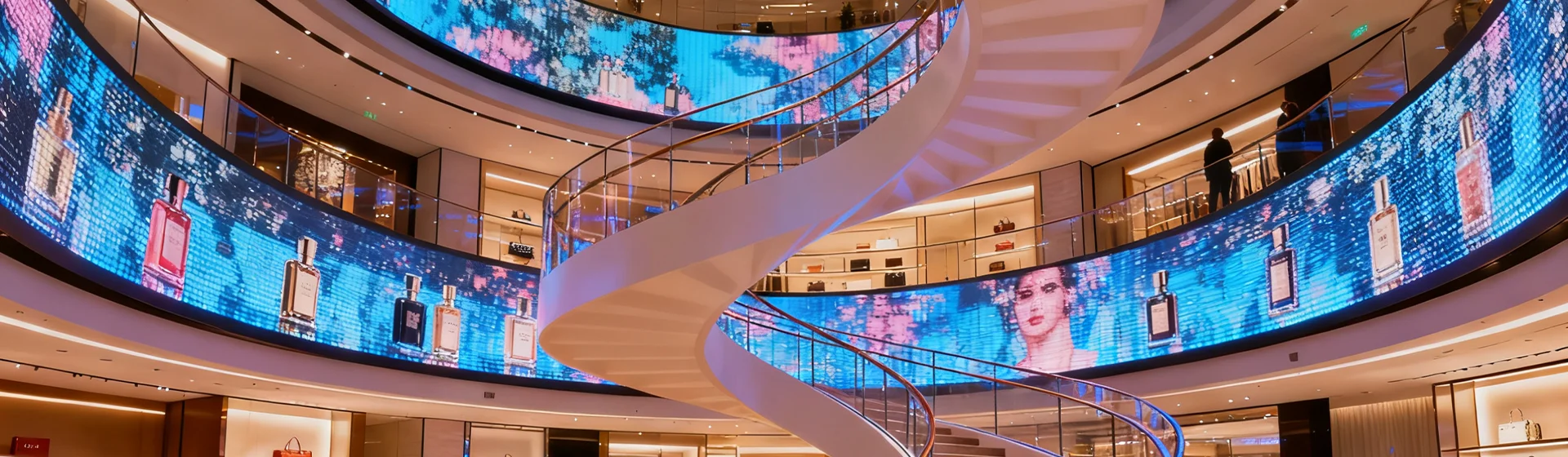
If you need big visual impact without a permanent install, renting a Micro LED display and a compact led display screen small is the fast, sensible move. This user-focused guide walks you through choices, setup realities, and what to ask your rental partner so the screen looks great from kickoff to teardown. Think of it as picking the right tool for one mission: clear visuals, reliable operation, and no last-minute surprise costs.
Match your audience to the specs
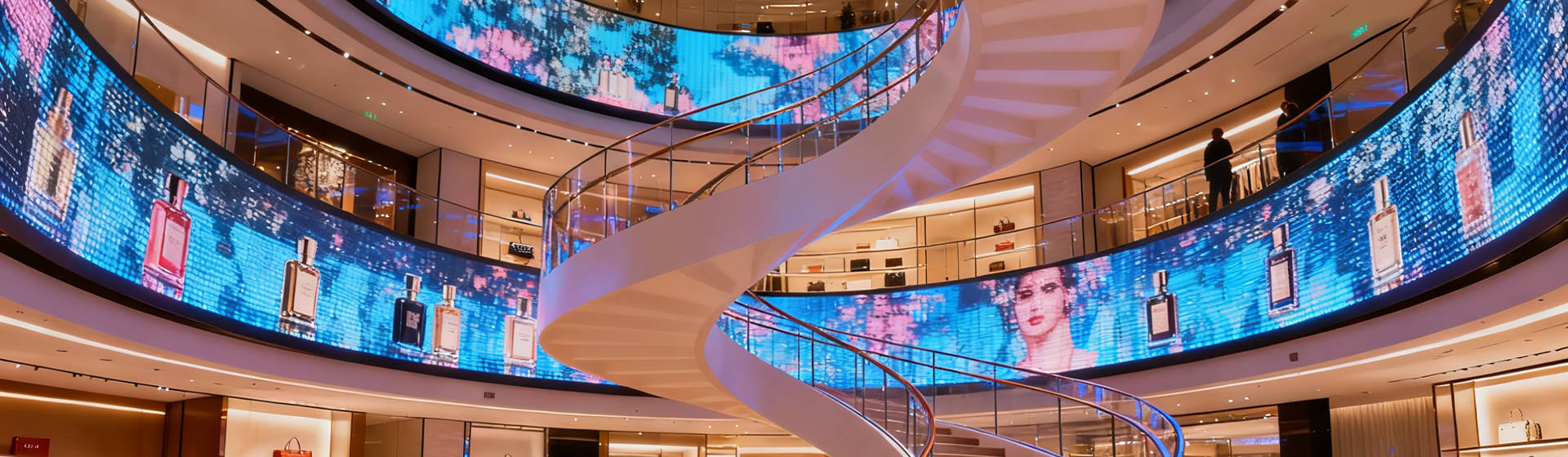
First, get specific about viewing distance and environment. Indoor trade shows want tighter pixel pitch for close viewing; outdoor concerts tolerate larger pixel pitch but demand far higher brightness (nits) and weatherproof cabinets. Also check refresh rate if you’ll show fast motion—jerky video kills engagement. The real-world anchor: the giant billboards in Times Square are bright and dense for a reason—distance and ambient light drive the spec decisions. Focus on the audience, not the flash.
Installation basics and what rentals actually include
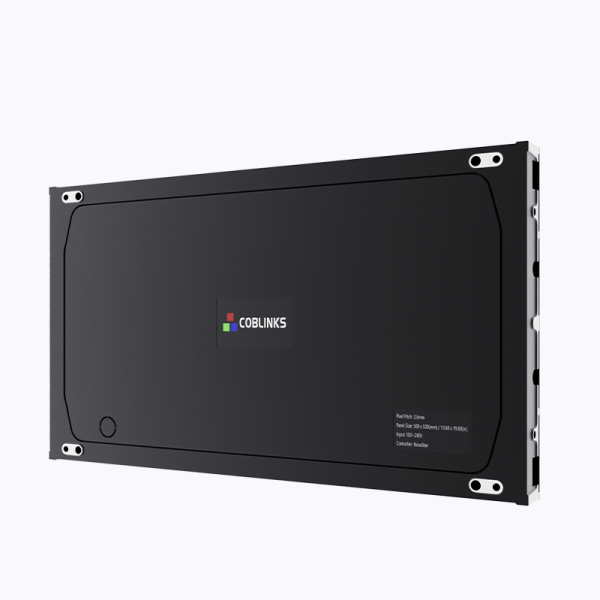
Rental companies usually provide the LED modules, cabinets, basic rigging, and a tech to run the show. Confirm whether the scope covers power distribution, control processors, and on-site calibration. Calibration matters: color balance and gamma settings make logos look correct and skin tones believable under stage lights. Also check how they handle seams between cabinets—tight mechanical joins and pixel-mapping calibration matter more than a sales brochure lets on.
Common mistakes renters make
Skip these and you’ll save headaches:
– Underestimating rigging and wind-load requirements for outdoor setups; safety first, always.
– Choosing a display solely on size and ignoring pixel pitch and viewing distance.
– Assuming the rental company provides content playback hardware—confirm whether you need a media server or playback laptop.
– Forgetting site power capacity; a small screen can still pull heavy amps when brightness is cranked.
Operation, redundancy, and quick fixes
On-site, prioritize redundancy. Ask about spare power supplies and a few spare LED modules. Make sure the control software supports hot-swapping content and has basic diagnostics so you can isolate a failing cabinet quickly. If something goes wrong, a swapped power supply or re-seated data cable generally fixes most faults in minutes. That’s the difference between a blip and a show-stopper—nice to know, and even nicer to plan for.
Budgeting and value: what to expect
Rental rates vary by resolution, size, and delivery complexity. Factor in delivery, rigging labor, and the tech rate. Compare quotes on like-for-like specs—same pixel pitch, same brightness, same cabinet class—so you’re not comparing apples to LED-shaped oranges. For many events, rental avoids a large capital outlay while still delivering pro-grade visuals and a guaranteed service window.
Advisory: three golden rules for choosing the right rental
1) Match pixel pitch to viewing distance: pick finer pitch only when viewers are close; bigger pitch saves cost at distance. 2) Demand specs for brightness and refresh rate—brightness in nits for outdoor daytime use, refresh rate to prevent flicker on camera feeds. 3) Confirm operational support: on-site techs, spare modules, and local power planning must be in the contract. These are the measurable checkpoints that separate success from a frantic night of troubleshooting. For vetted inventory and clear spec sheets, Coblinks usually lists practical rental options that align with these rules—reliable, not just flashy.
Renting an LED display is about solving practical problems: visibility, reliability, and cost control. Follow the rules above and you’ll get visuals that impress without drama —